 Gabri
Valorant has no ban checker. Riot runs no public tool where you type a Riot ID and get a ban result, and every "Valorant ban checker" you'll find is either a forum thread or a site Riot doesn't run.
What Riot does have is four places that show a ban on your own account. On November 11, 2026, I read 13 of Riot's support pages to pin them down: the message at login, the Player Support page on Riot's support site, your email inbox and the Valorant client itself.
One of those pages also answers the question most guides get wrong, which is how to check whether the ban is on your account or on your PC.
If every account on your PC hits VAN 152, jump to the section on checking whether your PC is banned.
If it's only your account, the four checks below are all you need, and Saturn isn't your answer.
Is There an Official Valorant Ban Checker?
No. Riot Games doesn't offer a Valorant ban checker. None of the 13 Riot support pages I read describes a lookup where you enter a Riot ID and see whether that account is banned, and neither do Riot's two penalty catalogs.
The closest thing Riot has is a sign-in. Riot's Support Site Sign On FAQ, updated April 22, 2026, says a banned player can still sign in to its support site and "find details about your ban on the Player Support page."
That page only shows the account you sign in with, and since it's the same Riot account sign-in across Riot's games, it's also one of the ways to check if your League account is banned. It's a check on your own ban, not a search tool, and Riot's FAQ doesn't list which details appear there. I didn't sign in to a banned account to see, so the exact fields are UNVERIFIED.
So when people search for a Valorant ban checker, what they need is Riot's own four checks, run in order.
How to Check If You're Banned on Valorant
You check a Valorant ban by looking in the four places Riot shows one: the message at login, the Player Support page, your email and the Valorant client. Each catches something the others can miss, so run all four:
- Read the message at login. Launch Valorant and sign in. A banned account shows an error code or an end date, since Riot's penalty table says a banned player can't play "until the date and time shown."
- Sign in to Riot's support site. Use the banned account itself, because Riot says that's where you'll "find details about your ban," and the same sign-in lists your tickets under My Tickets.
- Search your email. Check the inbox of the address on the Riot account, including spam. Riot's error list sends players who see error 7 to their email for "more information" about a possible suspension.
- Look above your Riot ID. Riot's At-Risk Alerts page, updated May 26, 2026, says an account that already has a penalty can see "its details and duration" there in the Valorant client.
If all four come back clean, Riot isn't showing a ban on that account, and if the game still won't let you in, the next step is one ticket to Riot Player Support describing exactly what you see.
Smaller penalties show up in the client too. Riot's Be on Your Best Behavior page lists queue timers of 3 to 240 minutes and ranked restrictions of 7 to 14 days, and both last "until the timer shown runs out."
What Does Each Valorant Ban Message Mean?
Each Valorant ban message points to one kind of penalty, and the error code tells you whether Riot has banned the account or the PC. Riot's VALORANT error code list and its penalty pages describe the ones that mean a ban:
| What you see | What Riot says it is | Banned |
|---|---|---|
| Error 61 | "You have been banned from playing VALORANT" | The account |
| Error 7 | Maybe a suspension, or a platform issue | Maybe the account |
| VAN 152 | A hardware ID (HWID) ban | The PC |
| A date and time | A VALORANT game ban | The account |
| A timer | A queue, ranked or teamplay restriction | Some modes |
One warning on that list: Riot marks its error code page "currently out of date" because a recent issue makes Valorant display some errors incorrectly, so a code on its own isn't proof. Pair it with the Player Support page or your email before you act on it.
VAN: RESTRICTION isn't a ban at all. Riot's page on it, updated May 29, 2026, says it "is not the same as an account ban" or an HWID ban. Riot Vanguard, the anti-cheat Valorant runs, is asking for a Windows update or a security setting before the game will launch.
Comms restrictions are the quiet ones. Riot's comms page lists voice and text chat blocks of 1 to 365 days, and a game ban only follows if a restricted player keeps using offensive language.
And if nothing shows up anywhere but your queues still feel wrong, that's the territory of the Valorant shadow ban rumor, which isn't a penalty Riot lists.
Can You Check If Someone Else Is Banned on Valorant?
No. Riot doesn't let you look up another player's Valorant ban, and its HWID ban article says Riot doesn't discuss an HWID-banned player's status "with anyone except the affected players themselves."
You do get two signals when a player you met is punished:
- The report email. Riot's page on report emails says that when you report a player and "appropriate action has been taken," you may get a thank-you email. It's capped at one a week, and it doesn't name the player.
- The RR notice. Riot's Competitive Mode FAQ says that if you lose to a confirmed cheater, you get a notification when the cheater is banned, and the lost RR comes back in your next Competitive game, up to a limit per Act.
Neither one tells you who was banned, for what or for how long. Report from the match with Esc, or afterward from Career, then Match History, and let Riot's system do the rest.
Used hardware falls under the same rule: I found no Riot tool for checking whether a PC or a part carries a ban before you buy it, and Riot's article rules out asking about the previous owner's status.
Are Third-Party Valorant Ban Checkers Safe?
Skip them. A third-party Valorant ban checker has no documented access to Riot's penalty records, and one that asks for your Riot login is asking for the one thing that can cost you the account.
Riot's Protecting Your Account page, updated June 1, 2026, is blunt about it. Never log in with your Riot credentials anywhere but authenticate.riotgames.com, and "if anyone, ever, asks for your account information, do not give it to them."
The same page explains why no one needs it: Riot can already see and adjust your account without your password.
The safe rules for checking a Valorant ban are short:
- Type support.riotgames.com into the address bar yourself, then sign in through Riot's own login page.
- Never give a password, a login code or a linked account to a site Riot doesn't run.
- Turn on multi-factor authentication, which Riot runs through Riot Mobile or your email.
- Don't hand the account to anyone who offers to check it for you. Riot counts account sharing as a breach of its terms.
Every check worth running is free, and every one of them happens on Riot's own pages. We don't name or link a single checker site on this page, and that's on purpose.
What to Do After a Valorant Ban Check
What you do after a Valorant ban check depends on what the check found, and in most cases the answer is Riot Player Support, not a workaround.
- A timer or a date: it ends on its own. Riot's penalty FAQ puts game bans at 7 days to permanent, and the client shows when yours ends.
- A ban you think is a mistake: Riot's Terms of Service say that if you think Riot "made an error," you can contact Player Support and Riot "will review your case." That ticket is how you appeal a Valorant ban, with the Riot ID, the error code and the date it started.
- Error 7 with nothing in your email: it can be a platform issue, so check the Riot support site banner and the Valorant Discord before you assume a ban.
- VAN 152: that's a hardware ban, and it gets its own section below.
Send one ticket per issue. Riot's sign-on FAQ says duplicate tickets "slow down our response" and get merged into a single conversation anyway.
Check first, appeal second, and only then think about anything else.
How to Check If Your PC Is Banned on Valorant
Your PC is banned on Valorant if every Riot account you sign in with on that machine gets the VAN 152 error code. Riot's HWID ban article says "any login attempt" under a hardware ban returns that code, whichever account you use.
The message itself gives it away. Riot's support page for the error, updated July 16, 2026, quotes it as "a review detected that action of an account playing on this device" broke Riot's rules, and the word that matters there is device, not account.
Don't confirm it by making a new account. Some guides still suggest that test, but Riot's HWID article says another account that logs in on a hardware-banned PC gets restricted there and "banned for a set period," because Riot treats it as an attempt to get around the original ban.
Riot's own advice is simpler: if you suspect a computer has an HWID ban, "it's best not to try to log in with any account."
Reinstalling won't clear it either. Riot's VAN 152 page rules out reinstalling Vanguard or the game, changing your connection and restarting the PC, since the code isn't an install or connection fault.
Riot's error list files VAN 152 under "HWID ban" and puts its usual length at four months. The full rules on hardware bans in Valorant, from repeat offenses to bans Riot won't lift, live in their own guide.
Ask Riot first. Its HWID article says a lift is possible after a player support request for a re-evaluation, with one ticket per affected account, but Riot promises nothing and can extend the ban instead of lifting it.
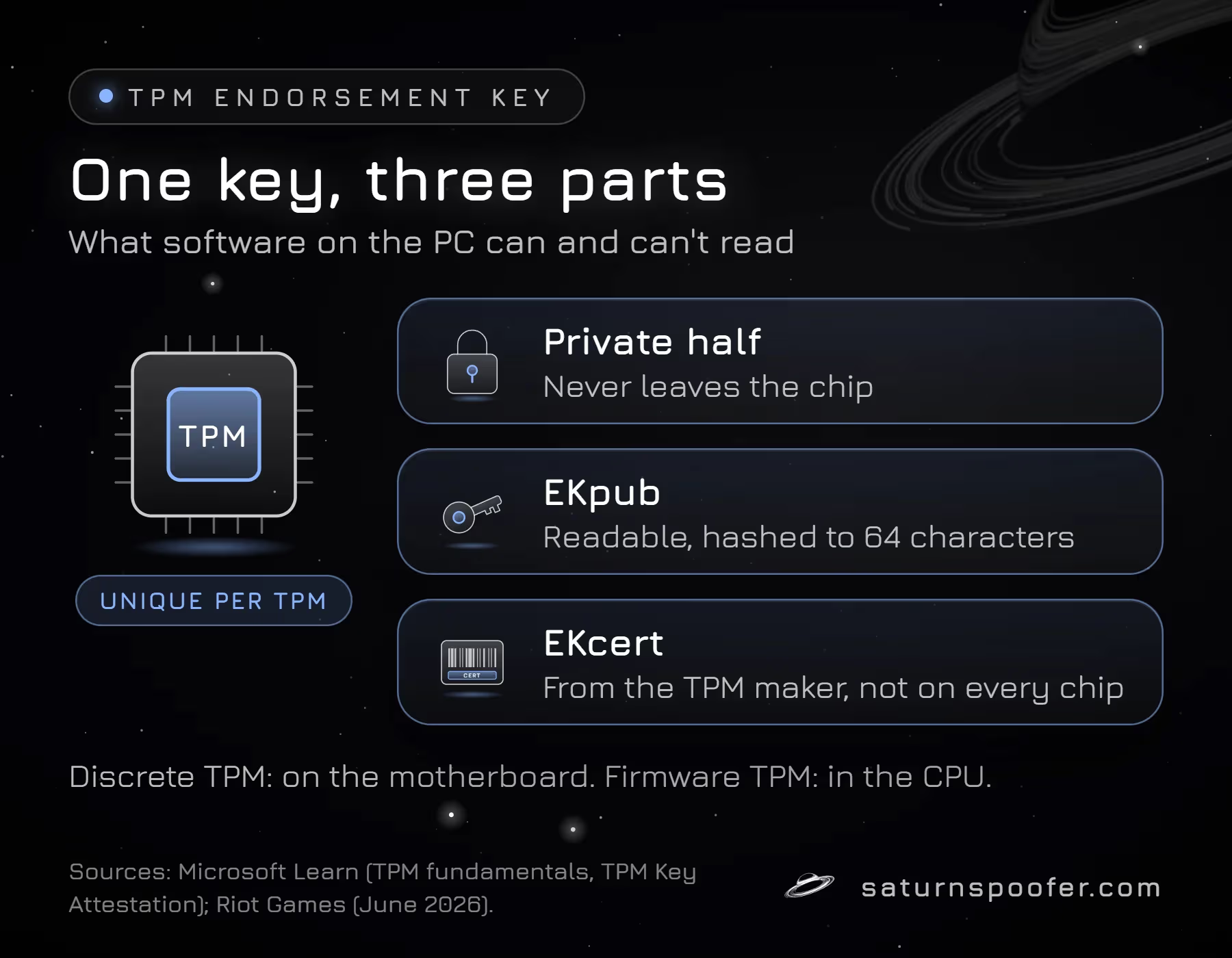
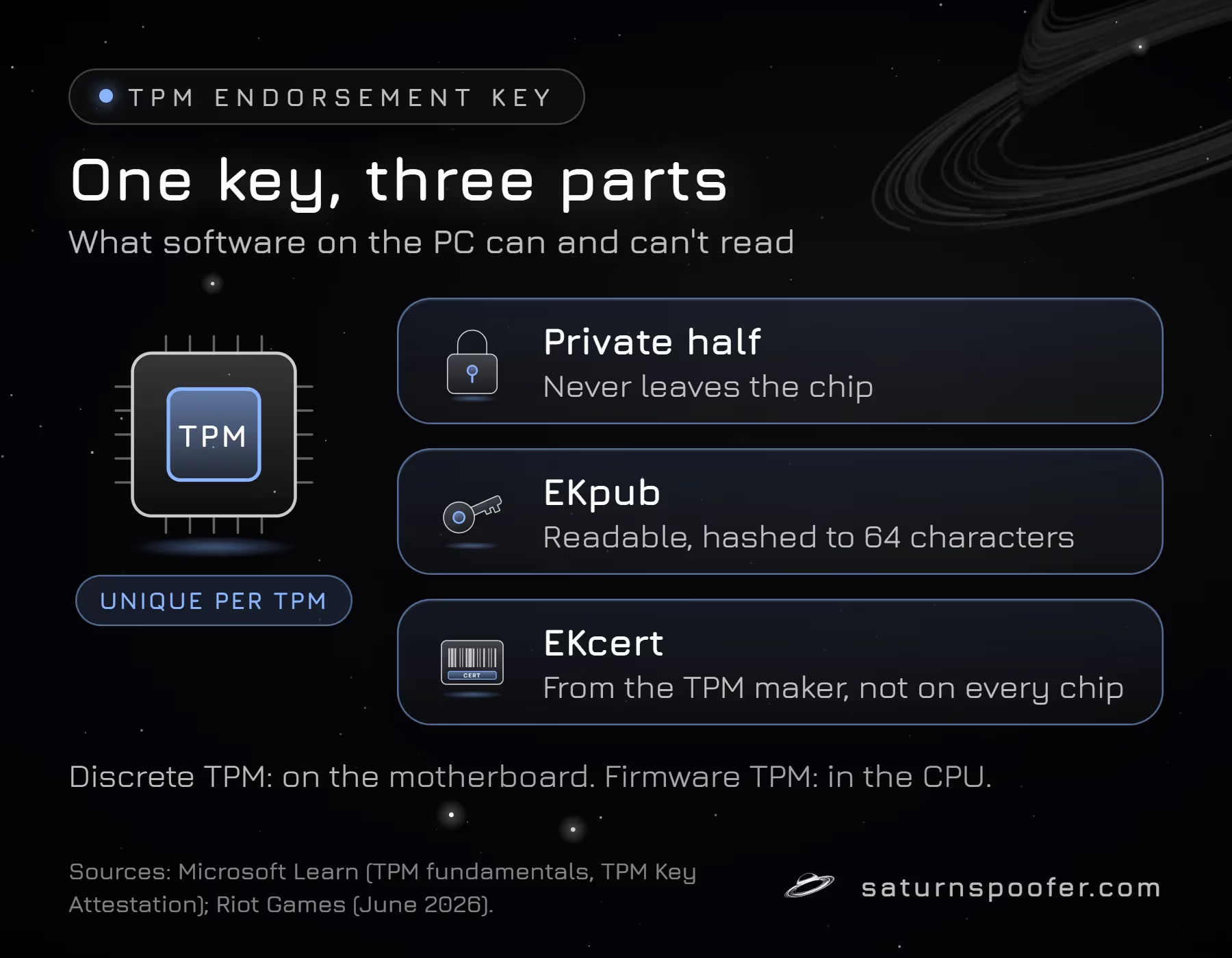
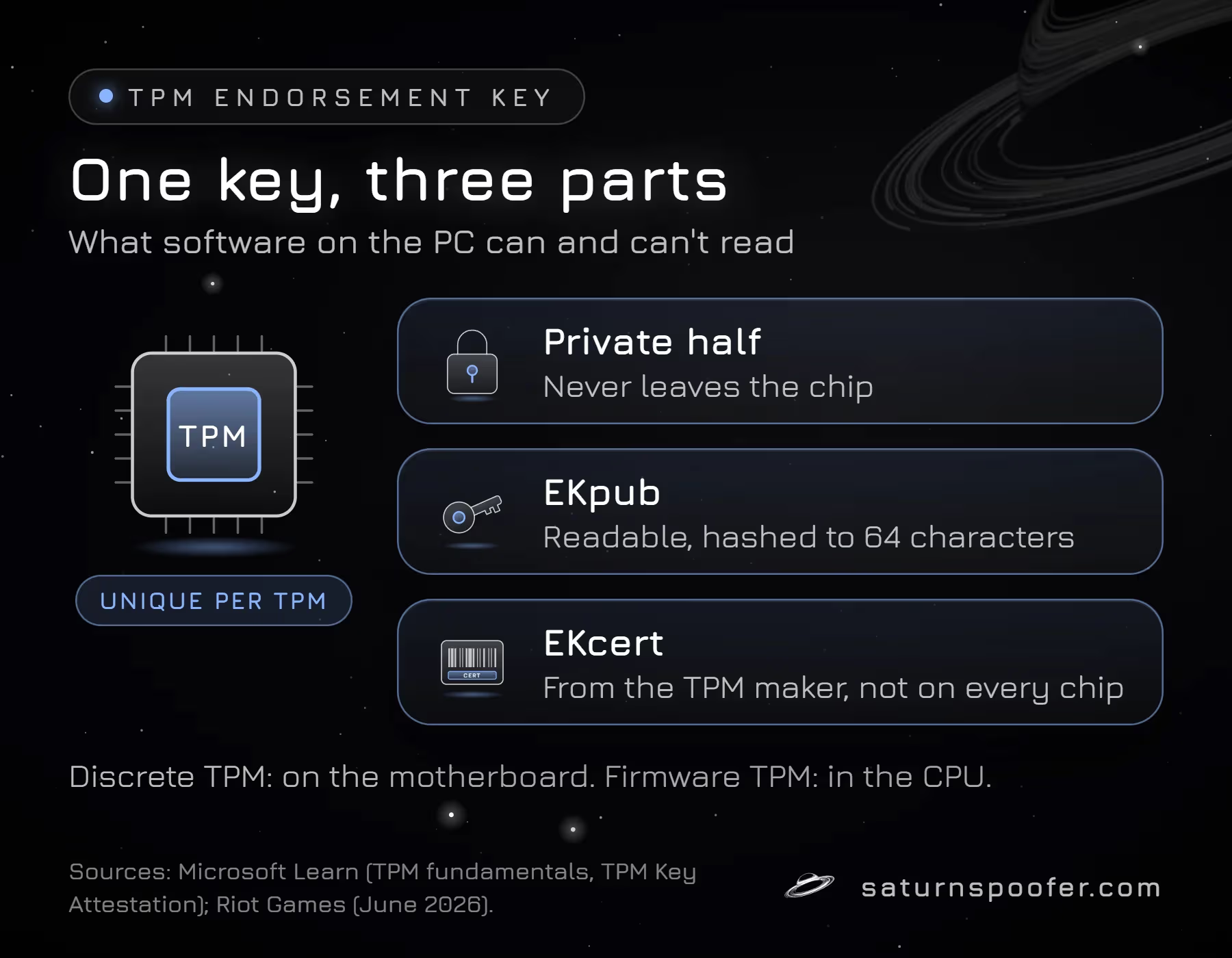
If the review doesn't go your way, that's the one case we build Saturn for. Saturn is an HWID spoofer: it changes the hardware IDs your PC reports, such as the CPU, TPM, motherboard, disk and network adapter values, so a hardware-banned machine shows up as different hardware. Saturn covers Valorant, and the HWID spoofer for Valorant runs from the same single loader as every other Saturn license.
Saturn is the wrong answer if:
- Only your account is banned (error 61 or a game ban date). A spoofer doesn't touch account bans.
- Your ticket with Riot Player Support is still open, so wait for its answer first.
- You're seeing VAN: RESTRICTION, which is a settings requirement, not a ban.
Weigh the trade before you go that way. Riot's record of the ban stays, every account it banned stays banned, and Riot treats any account played on a hardware-banned PC as an attempt to circumvent the ban. The trial runs 24 hours, needs an email address and asks for no card.
Valorant Ban Checker FAQ
Can you check a Valorant ban without logging in?
Not through Riot. The game, the Player Support page and the At-Risk Alerts all show a penalty to the account that's signed in, and Riot documents no lookup without one. Without signing in, your email inbox is the only Riot-documented place left to look.
How do I check how long my Valorant ban is?
Read the date and time shown at login, or the timer on a restriction. Riot's At-Risk Alerts page says an account with a penalty can see its duration above the Riot ID in the client. A VAN 152 hardware ban typically lasts four months, according to Riot's error list.
Can I check my Valorant ban on Riot's website?
Yes, on Riot's support site. Sign in with the banned account, and Riot's Support Site Sign On FAQ says you'll find details about your ban on the Player Support page. I found no Riot page saying the Riot account settings page shows penalties.
Is error 7 a ban in Valorant?
Sometimes. Riot's error list says error 7 means Valorant couldn't connect to the session service, and that you "might have a suspension" on the account. It can also be a platform issue, so check your email before you treat it as a ban.
Can Riot support tell me if another player is banned?
No. Riot's HWID ban article says it discusses an HWID-banned player's status only with that player. Report a player in the client instead, and Riot's thank-you email, capped at one a week, tells you when action was taken, without naming anyone.
What does "a review detected that action of an account playing on this device" mean?
It's the VAN 152 message, and it means your PC is under a hardware ID ban. Riot's VAN 152 page says no reinstall, restart or network change removes it. Don't sign in with other accounts on that PC while it's active.
Final Thoughts
A Valorant ban checker doesn't exist, and you don't need one. Riot already shows your ban in four places: the login message, the Player Support page, your email and the client.
Run those four, read the code, and send one ticket if something's wrong. If every account on your PC hits VAN 152, stop logging in and ask Riot for a re-evaluation before you do anything else.
Checked by Gabri on November 11, 2026. Sources: Riot Games Support pages for the Support Site Sign On FAQ, Error Codes and Solutions in VALORANT, Penalties and Bans FAQ (VALORANT), Be on Your Best Behavior, Comms Restrictions and Audio Retention, At-Risk Alerts, Received an Email After Reporting, Report Players After Game Here, VALORANT Competitive Mode FAQ, Understanding Hardware ID (HWID) Bans, Error VAN 152, Error VAN: RESTRICTION and Protecting Your Account, plus Riot's Terms of Service. Nothing was run on a PC and no account was signed in to write this page. UNVERIFIED: which ban details the Player Support page lists.